Security Tip: Help Password Managers Get It Right!
[Tip #134] Laravel's password helper has a great little feature you may have missed: it can generate browser-friendly password rules automatically! 🤓

/Back in May, Taylor Otwell announced a cool little feature that has been hiding on my list to cover:
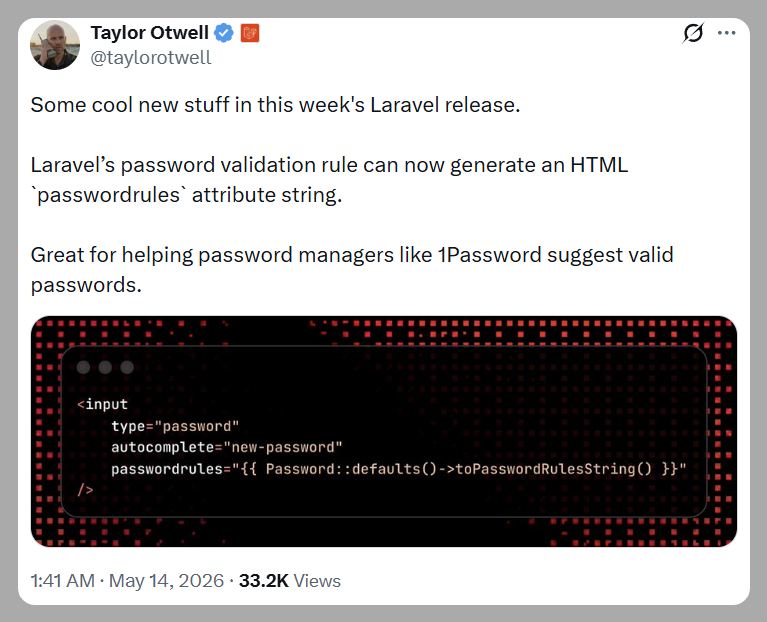
Laravel’s password validation rule can now generate an HTML `passwordrules` attribute string.
Great for helping password managers like 1Password suggest valid passwords.
The feature was PRed by Liam Hammett and bridges a gap between password rules on the server-side and what is happening in the browser. This can be very useful if your organisation requires specific rules, and you want to make it easy for folks who use password managers to generate passwords that follow the rules.
As per the PR, this is what it looks like:
> use Illuminate\Validation\Rules\Password;

> Password::min(12)->max(64)->mixedCase()->numbers()->symbols()->toPasswordRulesString();

= "minlength: 12; maxlength: 64; required: lower; required: upper; required: digit; required: special;"
Generating the passwordrules string.
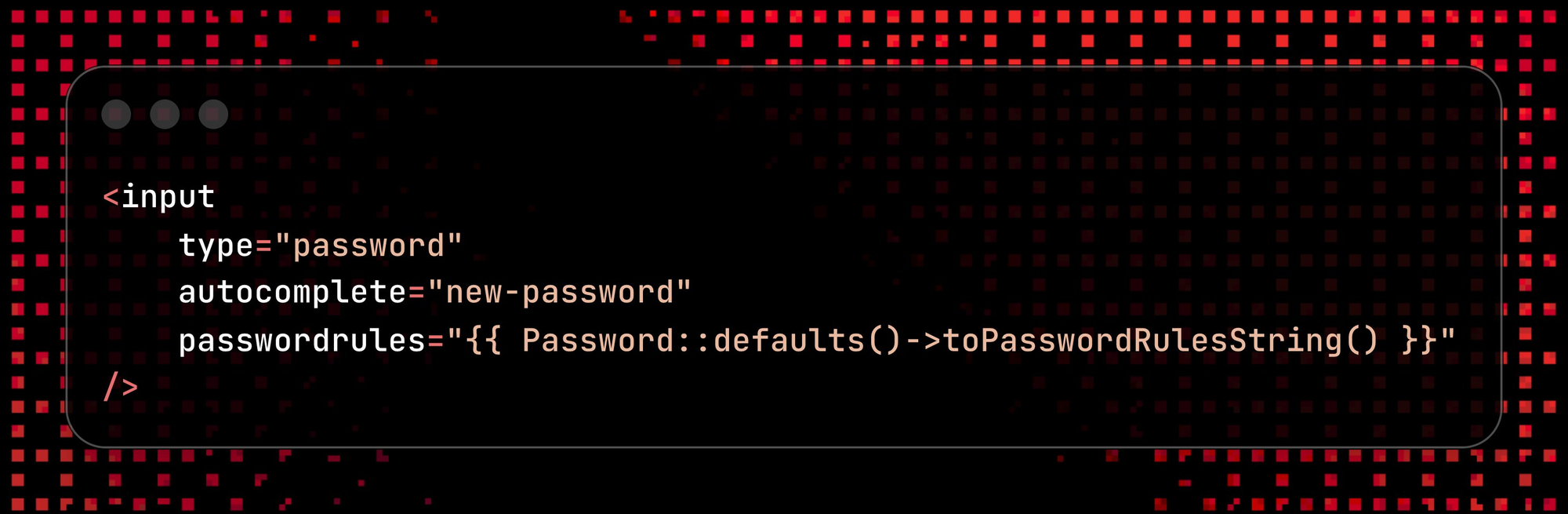
To avoid password rules getting out of sync between different code locations, you should define Default Password Rules for your app, so you can just call Password::defaults()->toPasswordRulesString() inside Blade.
<input
    type="password"
    autocomplete="new-password"
    passwordrules="{{ Password::defaults()->toPasswordRulesString() }}"
/>
Rendering the string inside a password field.
There is not really much else to say here except that this is a simple improvement that will make life a bit easier for some of your users. It won't take long to implement, but it'll make UX a bit nicer. It also has the happy side effect of making password managers easier to use - a user will be less likely to generate a rubbish password if their password manager can generate a legitimate password.
passwordrules attribute isn't a standard HTML feature, but rather something Apple added to Safari. It is also supported by some Password Managers, such as 1Password. However, there is no impact if users aren't using a supported browser/password manager, so it's safe to use.Found this security tip useful? 👍
Subscribe now to get weekly Security Tips straight to your inbox - practical, actionable advice to help you build safer apps.
Want to go deeper? 🤓
Upgrade to a Premium Subscription for exclusive monthly In Depth articles. Your support directly funds my security work in the Laravel community. 🥰
Need a second set of eyes on your code?
Book a Laravel Security Audit and Penetration Test - or, for something more focused, a lighter-weight Security Review.
Finally, connect with me on Twitter, Bluesky, phpc.social, and LinkedIn.