In Depth: Auditing Your App with Claude’s Security Plugin
[In Depth #43] What happens when you point an AI security scanner at an AI-built app? It finds a weakness in a fix AI confidently wrote months earlier. Let’s dig into reading AI findings critically. (Part 1 of 2)

We're going to do something a bit different today and look at Claude Code Security Plugin. I use this plugin during my security audits, and its findings are usually a mix of high severity vulnerabilities, subtle medium severity risks, and a bunch of false positives. The false positives are usually a mix of business requirements that Claude doesn't understand and instances where Claude hasn't looked deep enough and simply made assumptions.
What we're going to do is run the plugin against one of my side projects, and walk through each of the findings it spits out. We'll discuss the core issues behind each of the findings, and either work on a fix or dig into why it isn't an issue. My aim is to teach you how to more effectively use this plugin (and other AI security tools) to review your apps and fix any issues they uncover.
We'll use the Claude Code Security Plugin in this article, but the concepts and analysis we do should be applicable to similar AI security tools. My intention is to teach you how to critically analyse AI reports and make the best use of them.
Getting Started
Once you have the plugin installed (see instructions here), you can start it in Claude Code with the following command:
/claude-security:claude-securityThis boots up the plugin and gives you a few options:
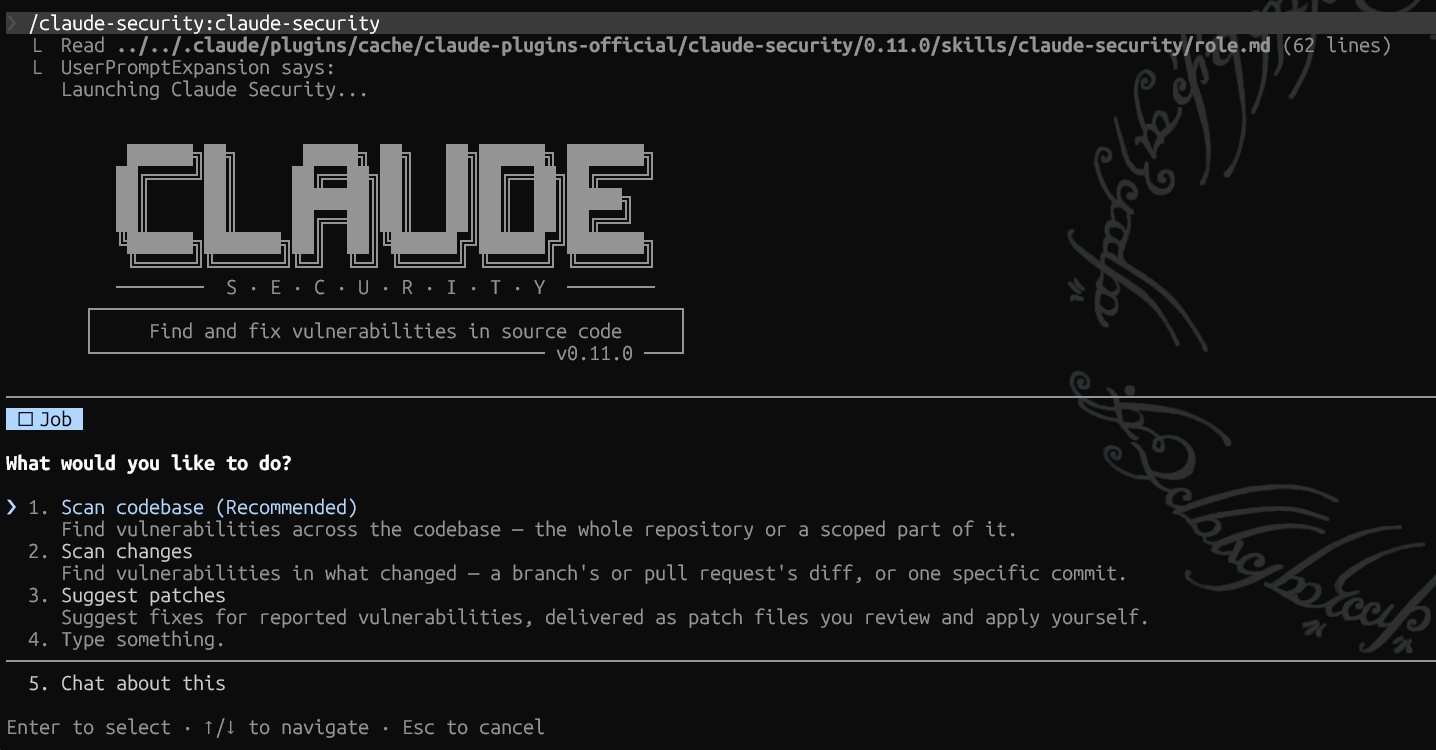
For a new scan of your complete application, select Scan codebase (Recommended).
The plugin will then analyse your app and give you some scan options. It will detect previous scans and take that into account too. (In this case I re-ran the plugin to get new screenshots as I missed them the first time.)
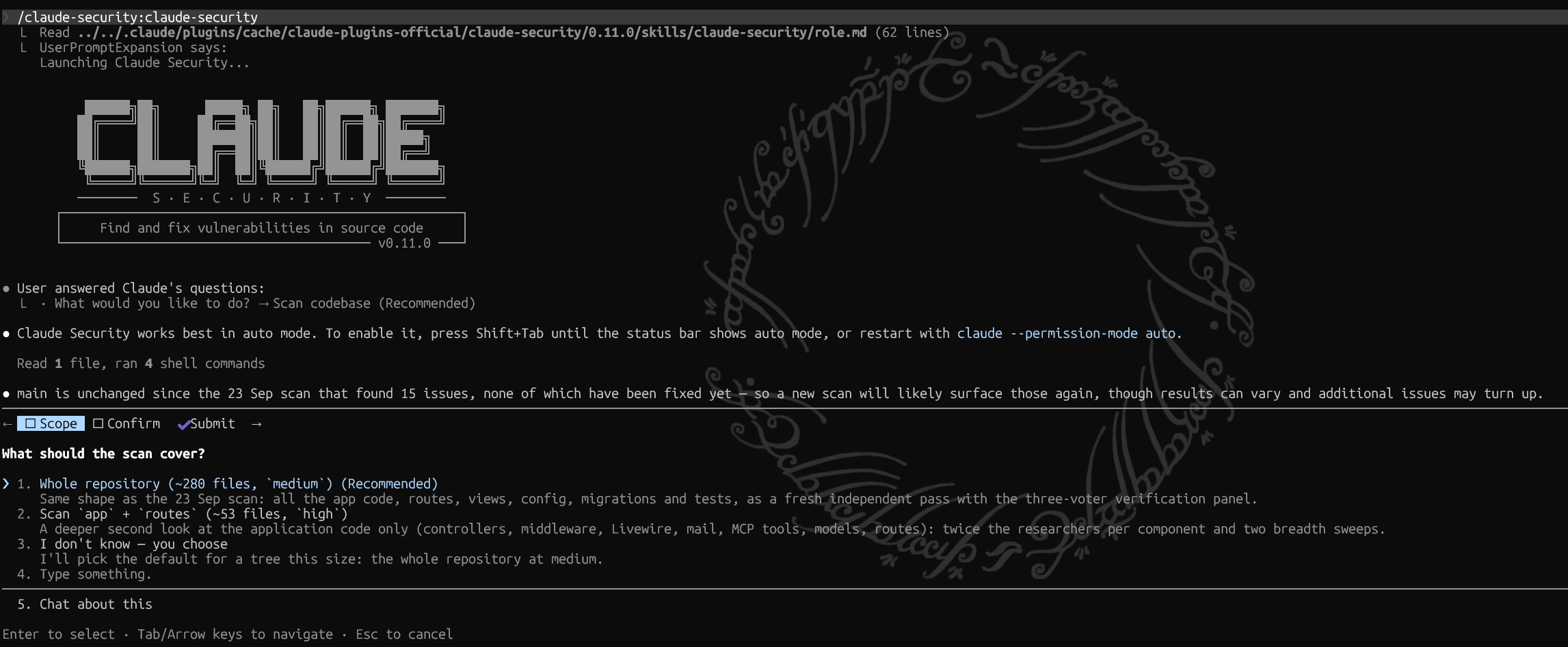
I selected Whole repository and plugin had one final prompt:
This scan may take a while and may use a significant number of tokens. You will need to leave Claude Code open while the scan completes. Are you sure you want to continue?This is an understatement!
When I've run this on large client projects, it has quickly sucked up my 5 hourly quota - the 5x plan maxed out very quickly and most of the 20x was chewed up too. Depending on the size of your app and your own quotas, you may need to get creative or do it in chunks.
The plugin will then go away and do its thing, eventually returning with its findings.
Claude's Findings
The scan is finished: 15 findings passed verification, 1 MEDIUM and 14 LOW, with nothing HIGH or CRITICAL. The report is stamped verified, meaning each finding was confirmed by at least 2 of 3 independent reviewers. Everything came from reading the code; no tests or exploits were run.Nice! No high or critical findings. Glad to see Claude did a good job when building the app. Although having some high or critical would've made this article more interesting. 🤷
Several findings are the same bug found more than once, so they come down to about ten real issues:

- F1 (MEDIUM): the Markdown mail escaping in Laravel itself can be bypassed. withSecuredEncoding() escapes [ but not \. A wishlist name of \[text](url) renders as \\[text](url), and CommonMark then produces a real link. Anyone with an invite can send studio-branded email with a disguised link to any address. F4 is the same gap in the admin notification email. Your MailMarkdownEscapingTest only covers the payload without the backslash, which is why it passes. Every app that relies on withSecuredEncoding() is affected, so it's worth reporting upstream.
- F2, F3, F8: signed claim links. A GET on one rebinds a browser that already has a wishlist, with no confirmation, so it skips the swap guard you added to the manage route. The links also keep working after the token rotates, so replaying one lets the attacker read what the victim entered. F11 is a similar gap on the manage route, for browsers that have redeemed an invite but not submitted yet.
- F6, F7, F13: plaintext tokens in the job queue. The three queued mailables that carry a manage or claim URL don't implement ShouldBeEncrypted. Those URLs therefore sit in plaintext in jobs and failed_jobs, which undoes the hashing of tokens at rest.
- F5, F12: Pot-Off shows hidden pieces. A piece that was crowned or defending before the potter hid it keeps rendering, edits included.
- Smaller ones:
  - F9: X-Forwarded-Prefix is trusted via trustProxies('*'), which can poison recovery links outside production.
  - F10: the manage-cookie fallback binds a wishlist without regenerating the session ID.
  - F14: Fathom runs on error pages at URLs that contain tokens.
  - F15: a timing difference in recovery reveals whether an email has a wishlist.
Before we look into the specific findings, note that this groups the similar issues together, which I think is helpful so we can analyse them together too. The one medium is at the top, and the rest are considered low.
Claude also noted:
The scan left out the AI skill docs (.agents, .ai, .claude) and storage, which holds no code. Every top-level directory is accounted for.

Do you want me to suggest fixes for these?

Files are in CLAUDE-SECURITY-20260923-004537/ (ignored by git):
- CLAUDE-SECURITY-RESULTS.md
- CLAUDE-SECURITY-RESULTS.jsonl
- CLAUDE-SECURITY-RESULTS.sarif
- CLAUDE-SECURITY-REVISION-1e960ea87280.json

✻ Crunched for 22m 50s · done Wednesday 11:06 AM
The findings are provided in a few different formats, and we can see the scan ran for 23 minutes. This is a relatively tiny app. A big app may take a lot longer!
The provided CLAUDE-SECURITY-RESULTS.md includes a summary of the scan and detailed overview of what was covered and what was ignored, before listing each of the findings.